
We’ve been building Drupal CMS site templates at Kanopi, and our latest is Cafe, a free, open-source starting point for cafes, coffee shops, bakeries, and small restaurants.
Cafe is available on Drupal.org under GPL-2.0-or-later, and I’ve requested its inclusion in the Drupal CMS installer.
Here’s a quick tour:
More than a menu PDF
Most people visiting a cafe website want to know a few things. What’s on the menu? How much does it cost? Are you open? Where are you?
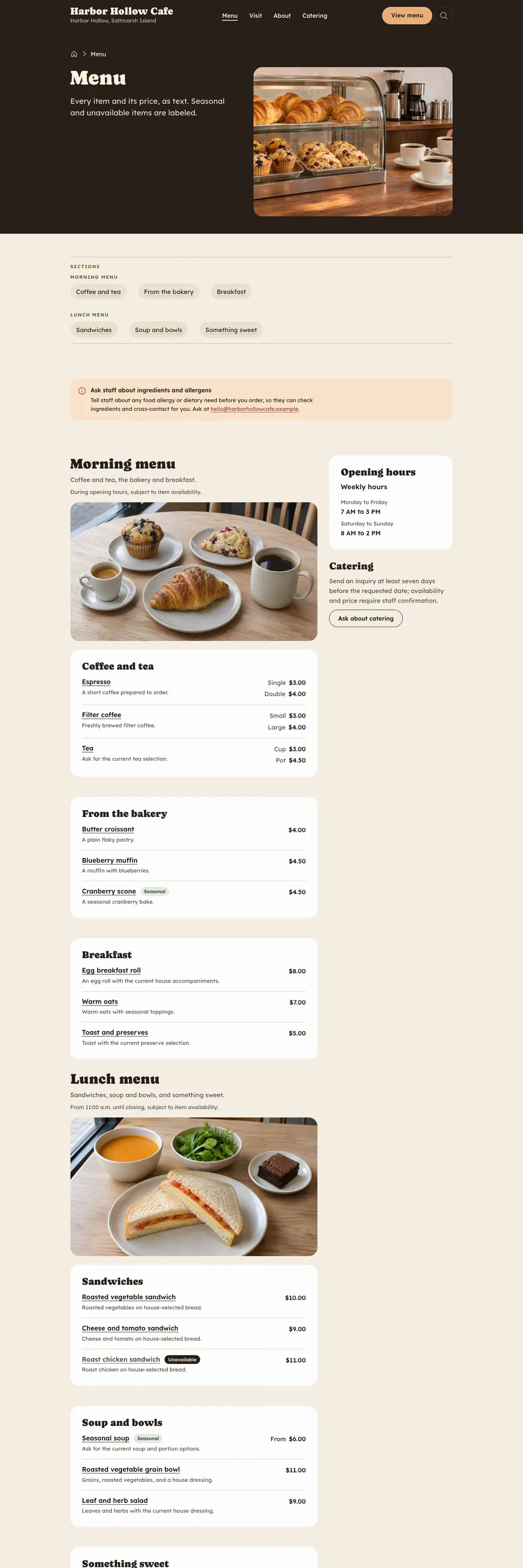
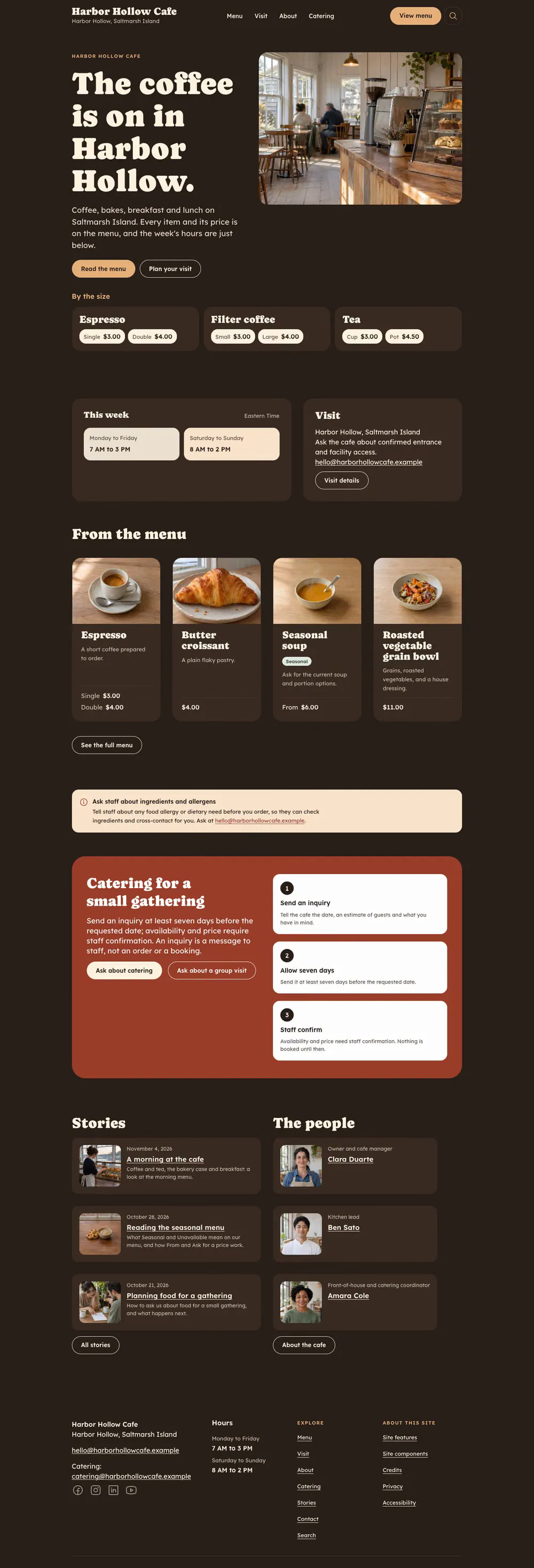
Too often, the answers are buried in a PDF, an image of a menu, or a social media post. Cafe treats menus, prices, and opening hours as structured content in Drupal. That makes the information easier to maintain, accessible to screen readers, and available to search engines and AI assistants.
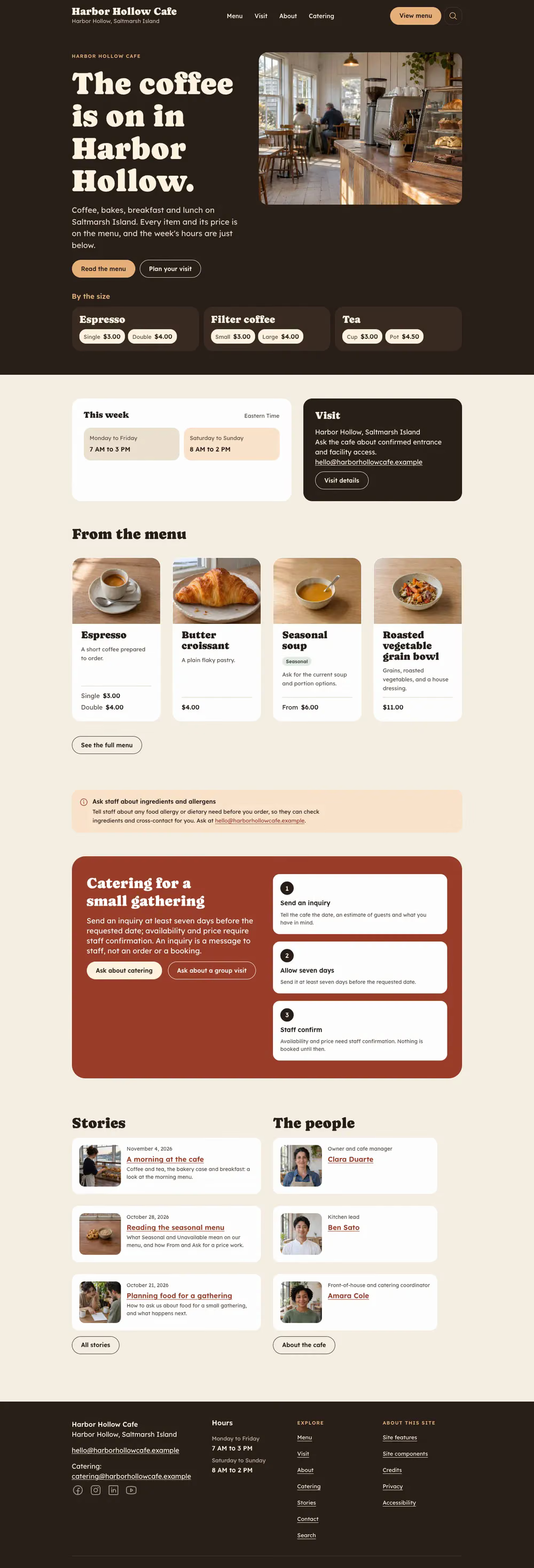
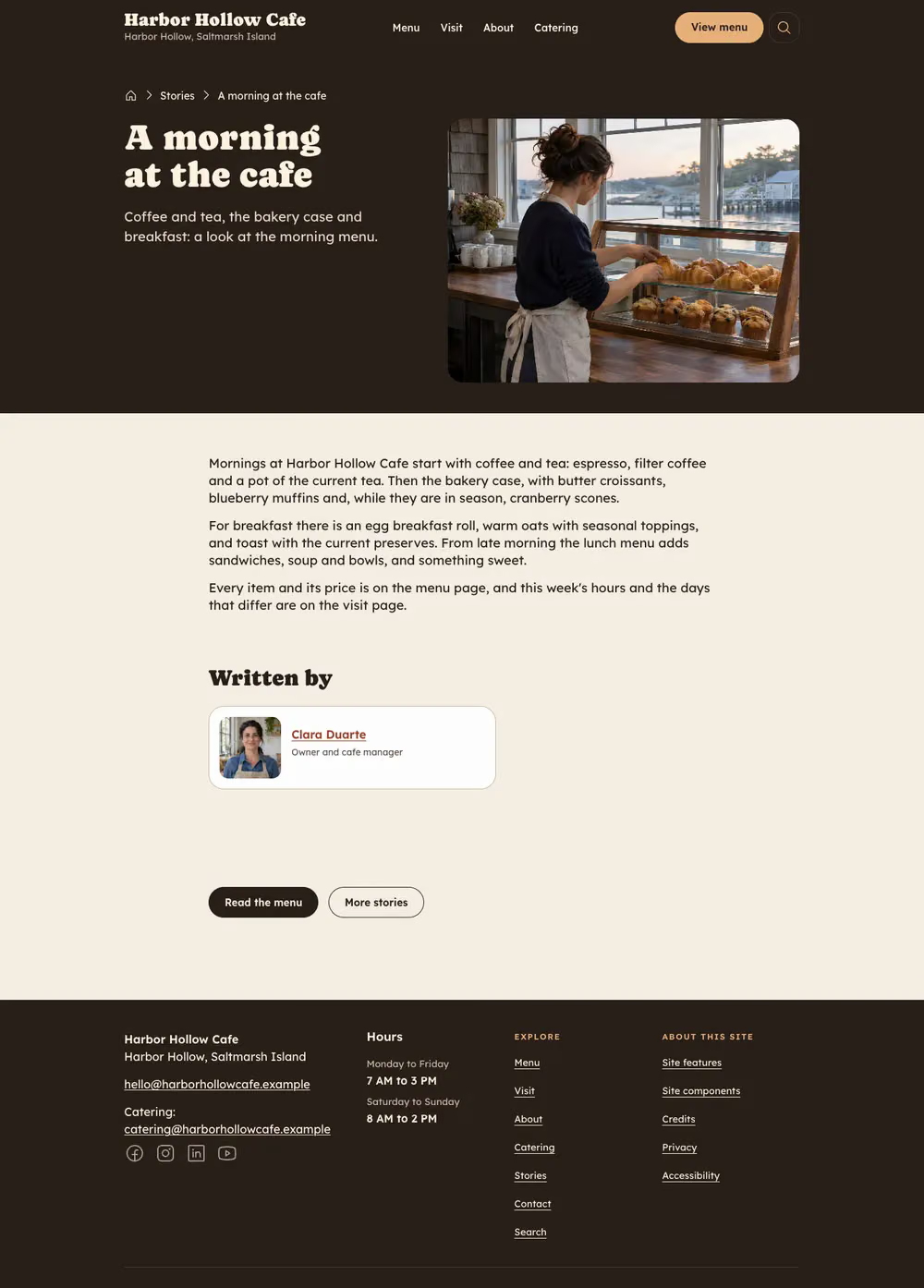
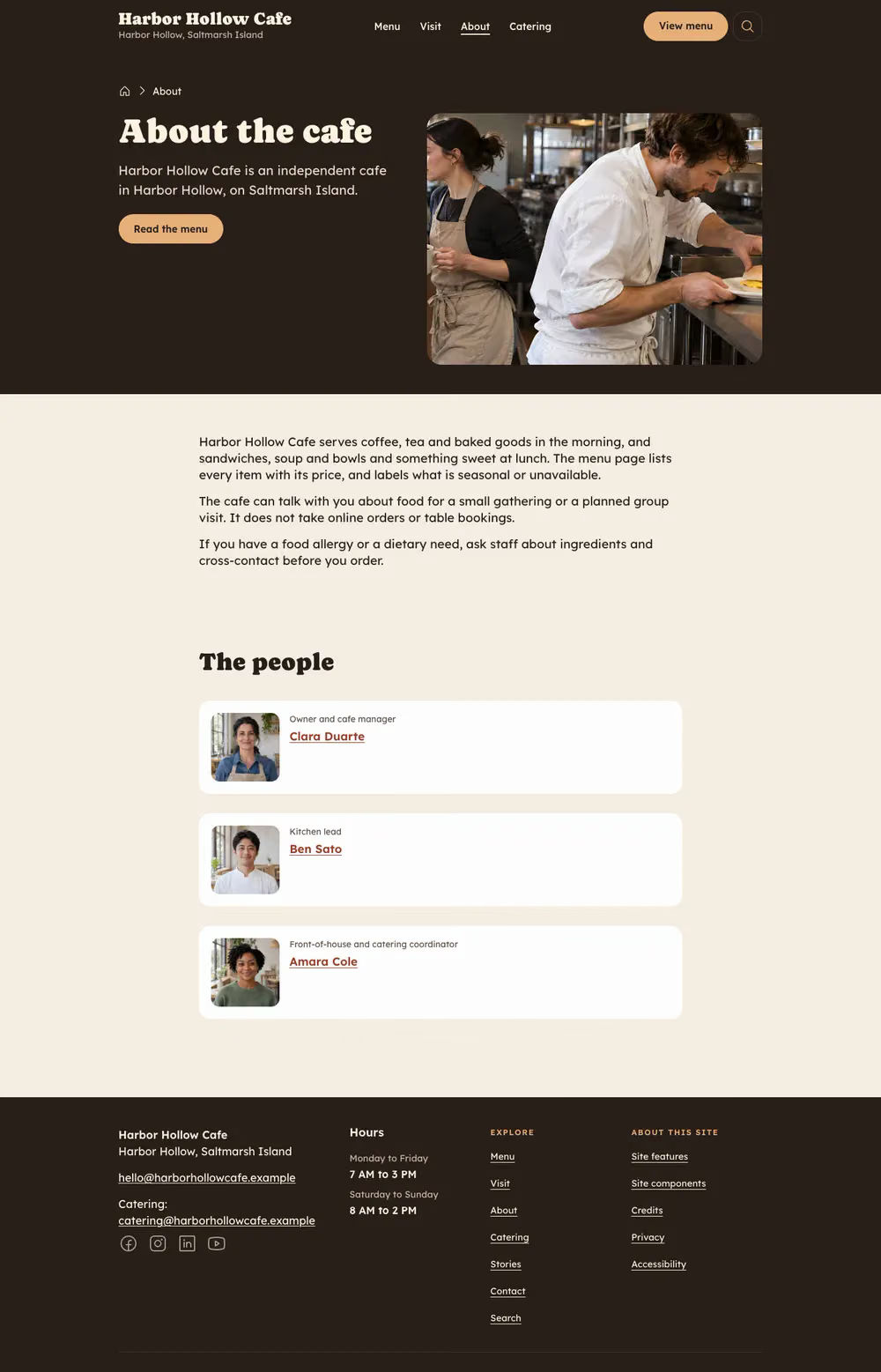
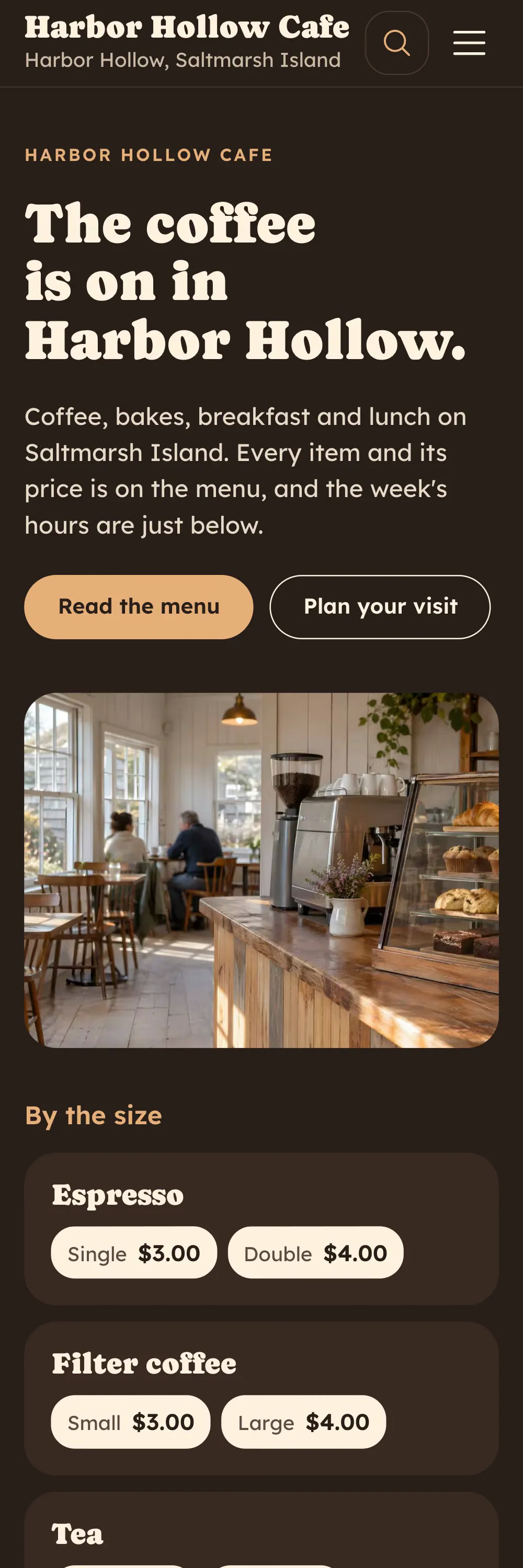
The template comes with a fictional demo site, Harbor Hollow Cafe, complete with coffee and food menus, staff profiles, and stories. Replace the sample content, update the branding, and you’re on your way.
What’s included
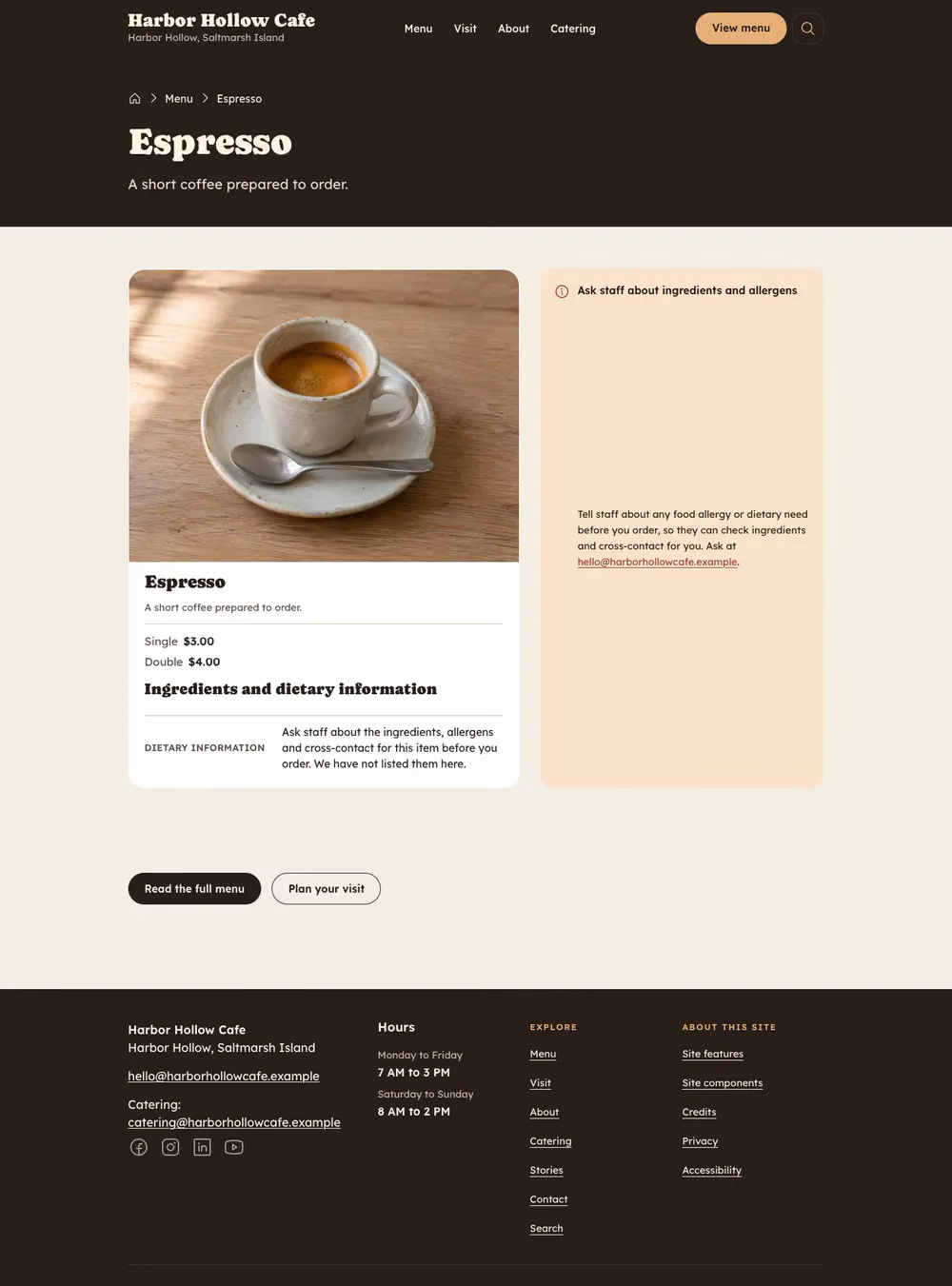
- Menus: Sections, items, prices, dietary labels, and declared allergens. Items can have multiple prices, such as Single and Double.
- Hours and location: Manage regular and special opening hours in one place, plus a visit page with directions and accessibility information.
- Catering inquiries: A form that emails the cafe and sends a confirmation to the customer.
- Content: Stories, staff profiles, and site-wide search.
- Editorial tools: Content review, scheduled publishing, and reusable page components.
- SEO: Page metadata, social sharing images, structured data, and an XML sitemap.
- Privacy and security: Klaro cookie consent and ALTCHA spam protection.
The Coffeehouse theme gives Cafe its espresso brown, cream, and caramel palette, with light and dark color schemes. The template is designed to meet WCAG 2.2 Level AA accessibility standards.
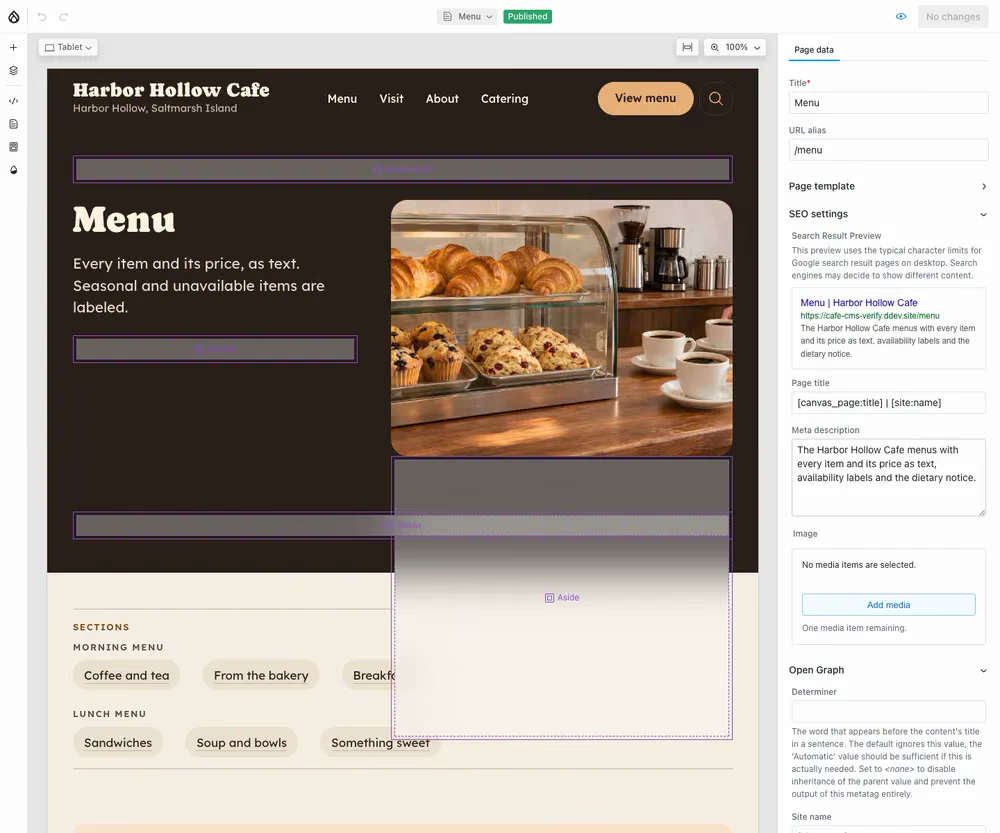
Pages are built with Drupal Canvas and reusable components. Content templates handle recurring layouts, so menu items and stories stay consistent. Everything is delivered through Drupal recipes and demo content, without needing a custom module.
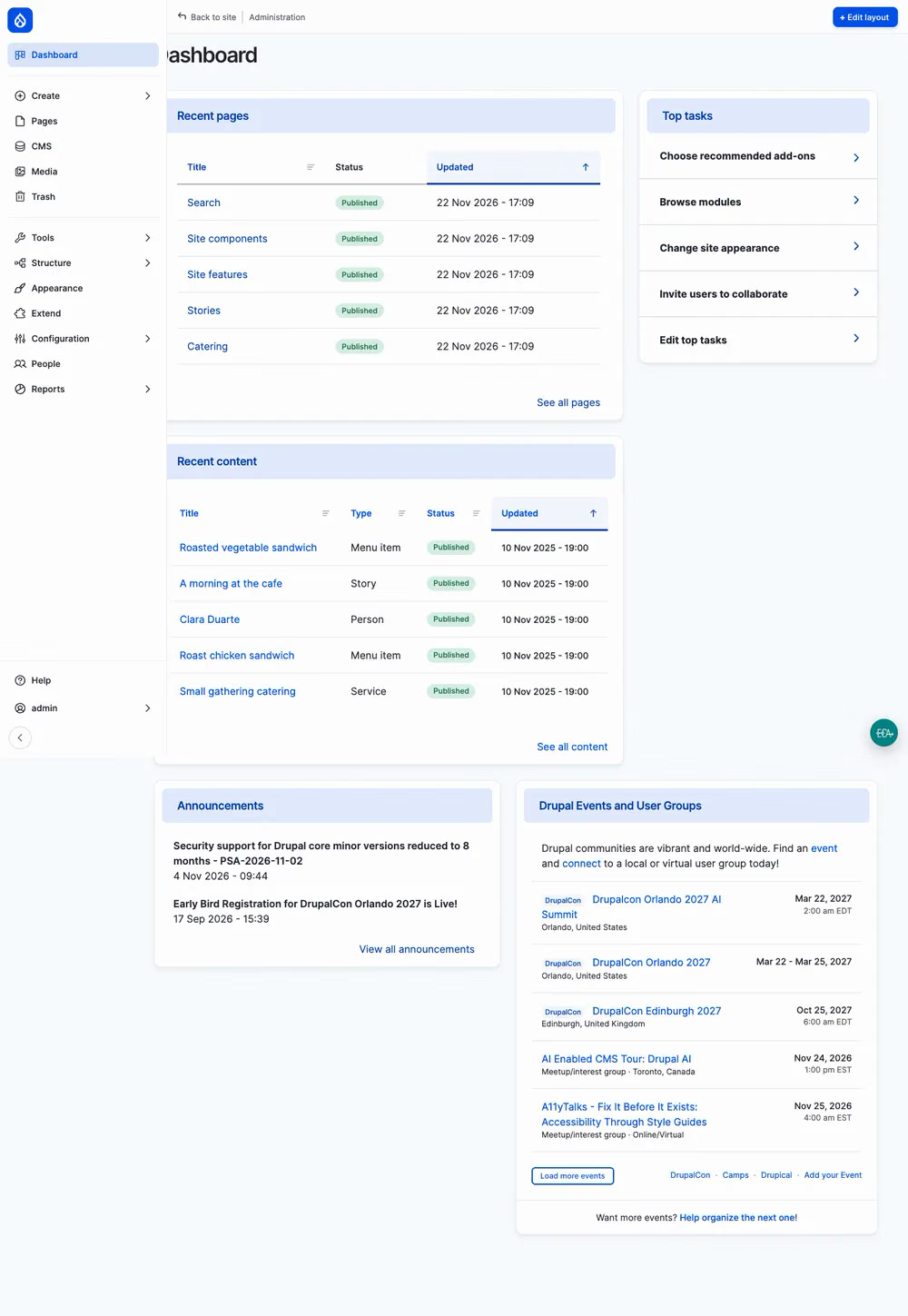
Screenshots
Select a screenshot to see the full page.
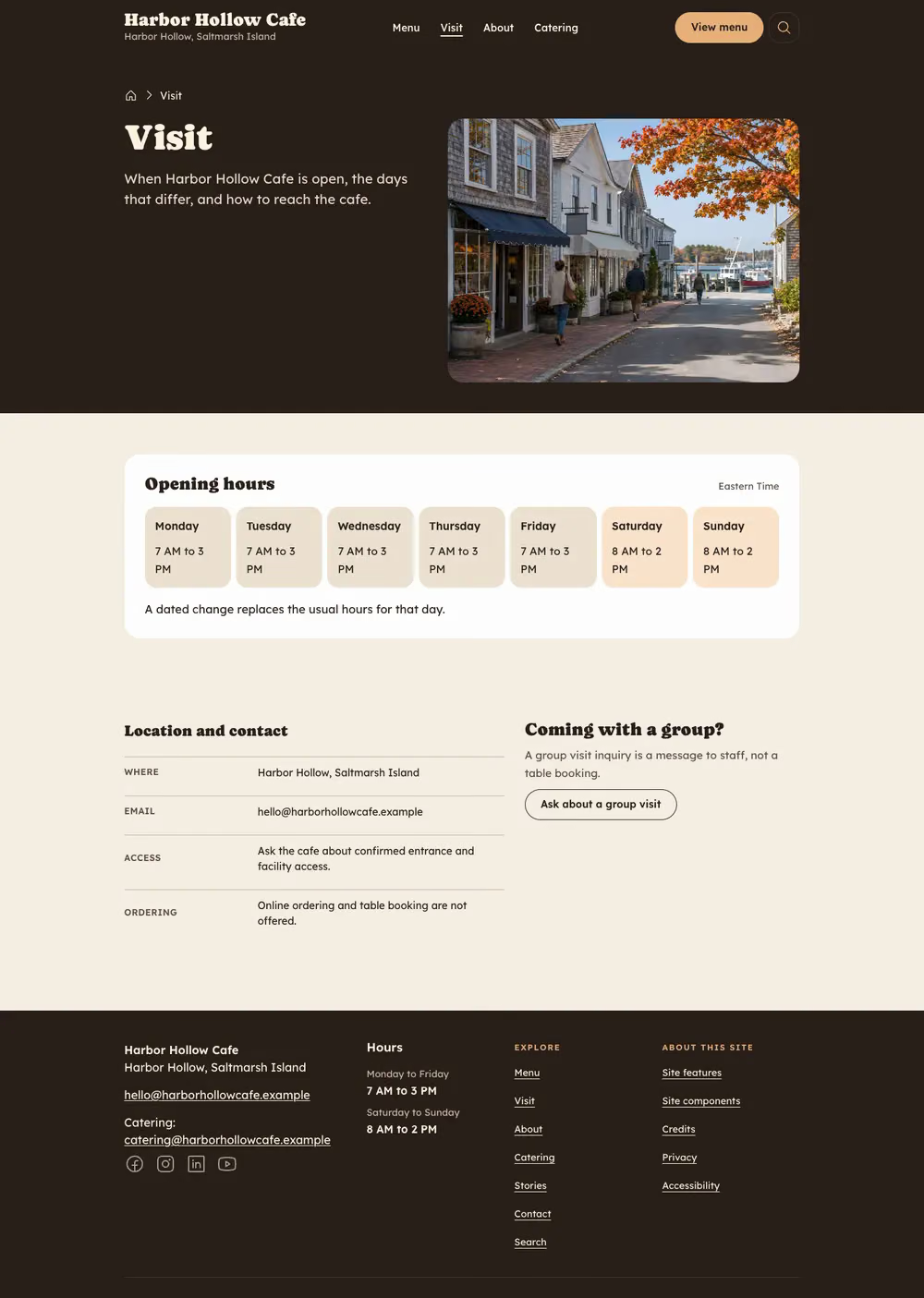
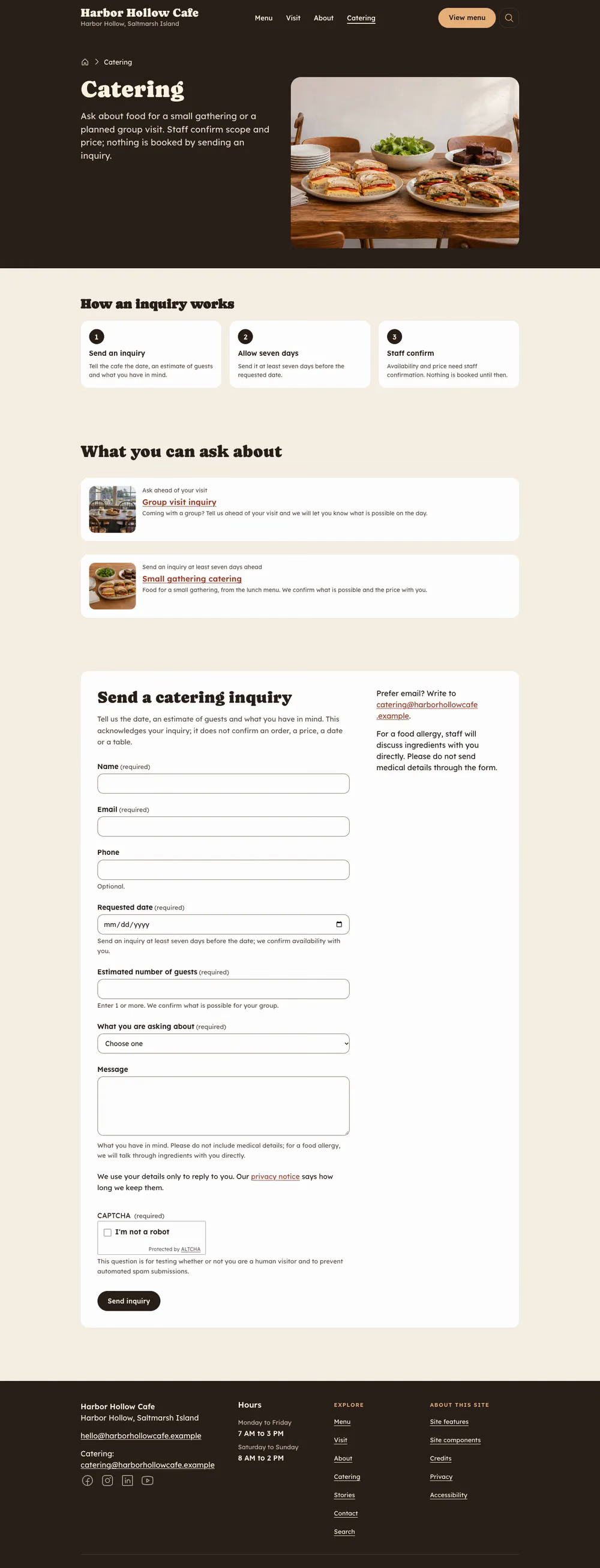
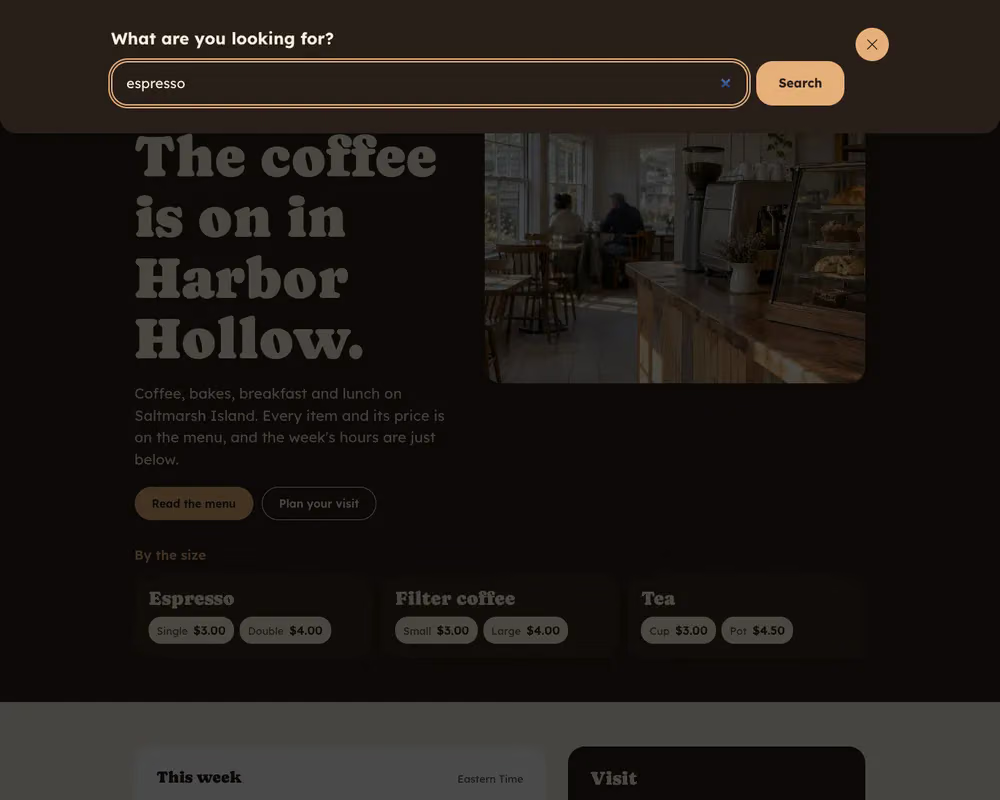
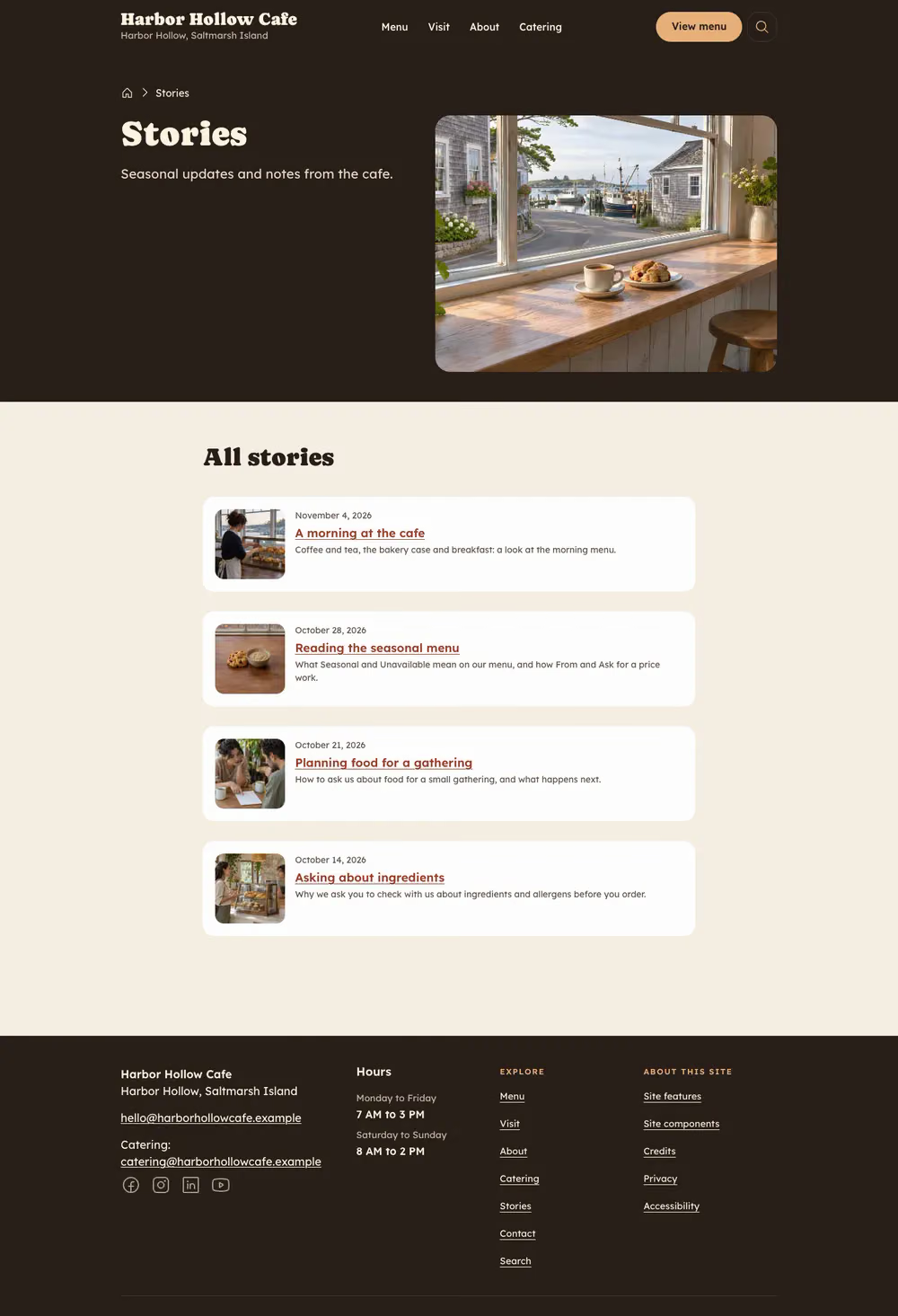
Give Cafe a try
If you have a Drupal CMS project, install Cafe with Composer:
composer require drupal/cafe
Then select Cafe at the “Choose a template” step during installation.
The project page has installation instructions and documentation for configuring and customizing the site. Bugs and feature requests are welcome in the issue queue.
If you build something with Cafe, I’d love to see it.